Seeker UI was designed so you spend time on your work, not on wrangling tooling.
📝
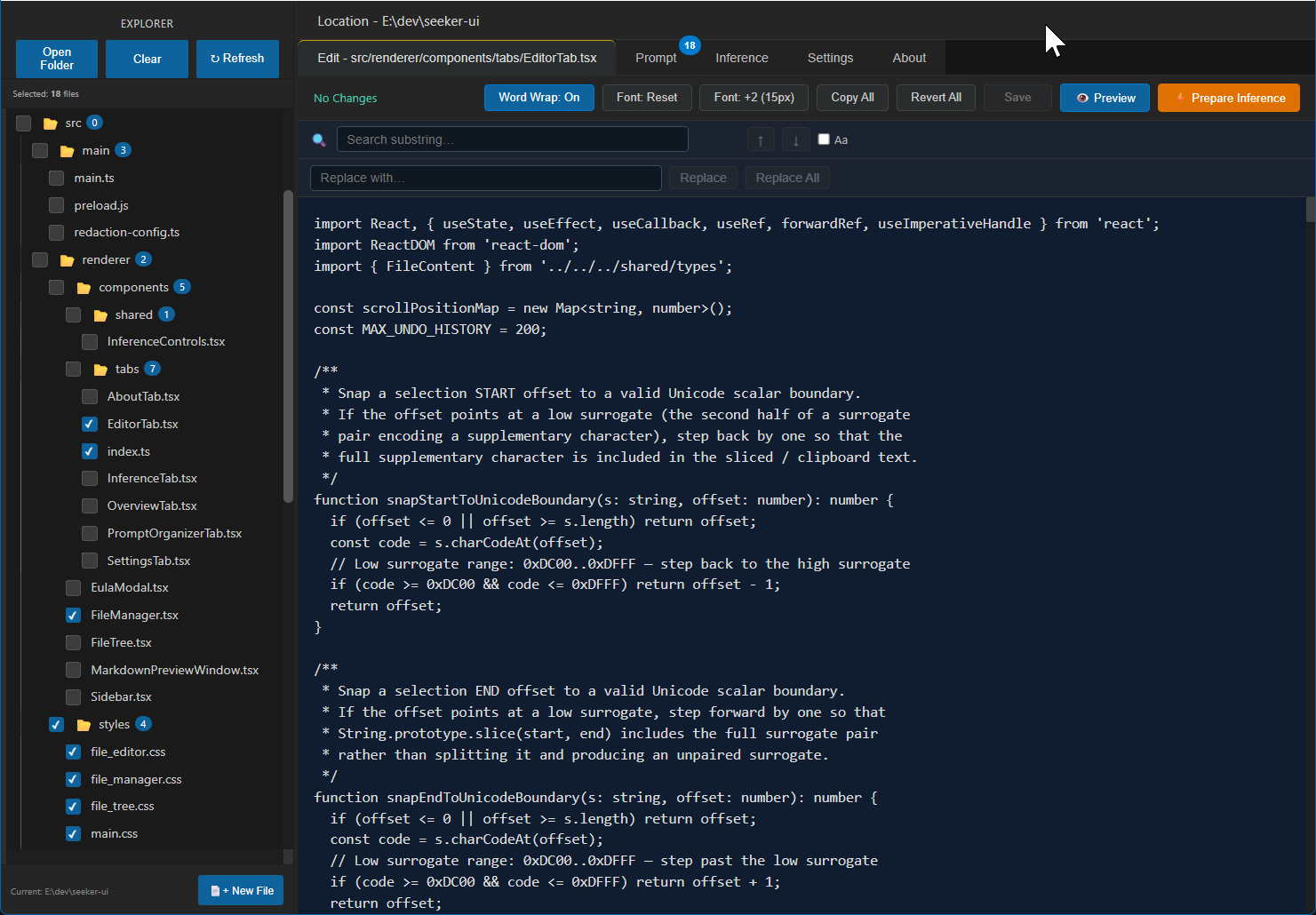
High-Performance File Editor
Always-visible search and replace, undo/redo, word wrap, live Markdown
preview, Unicode-safe copy/cut/paste, font controls, and unsaved-changes protection —
edit with confidence right next to your AI workflow.
📁
File Explorer
Recursive folder selection, per-file checkboxes, binary file detection,
favorites, path utilities, custom masking and redaction, and structured context tags —
so every inference run receives precisely the intended context.
✏️
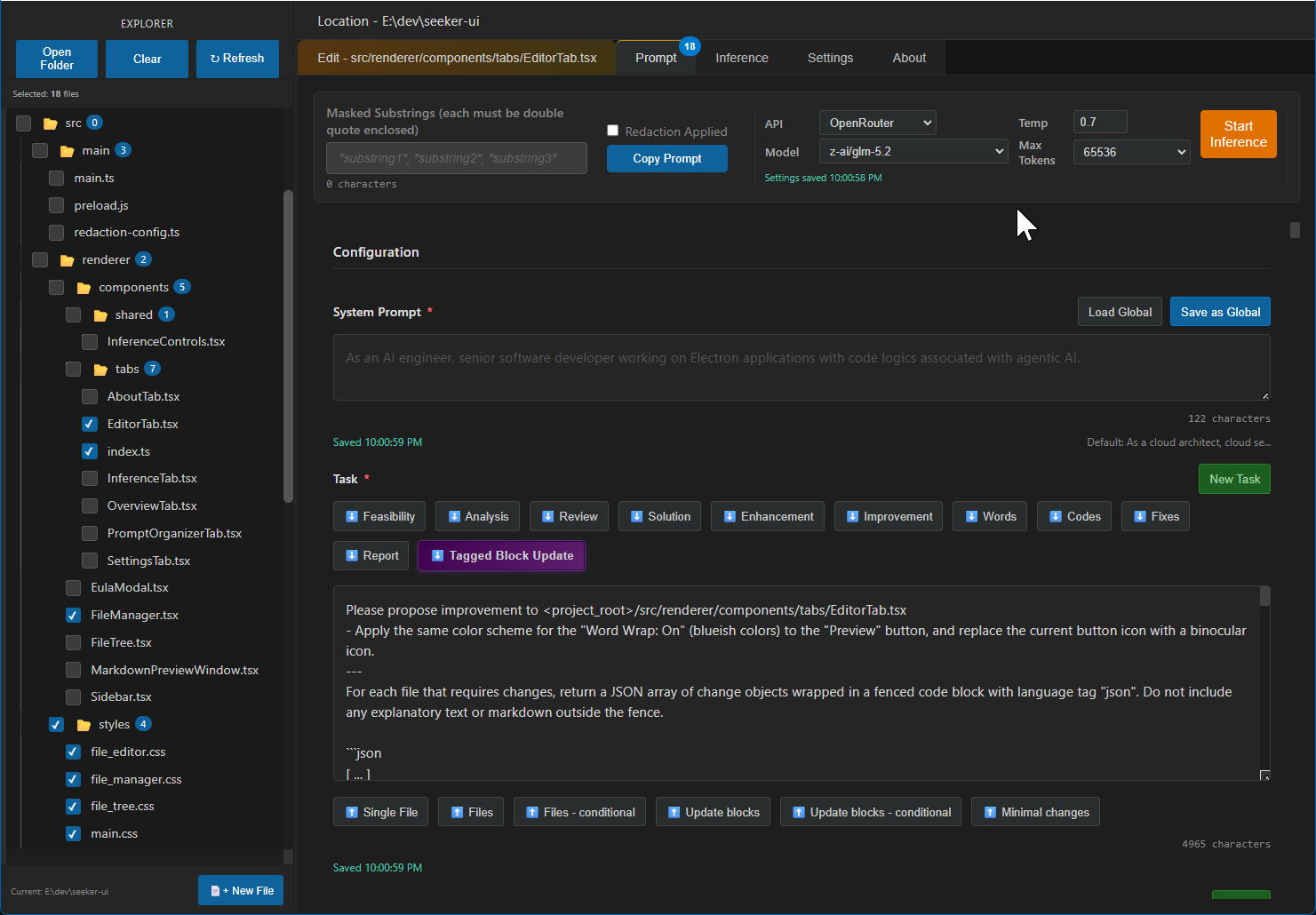
Prompt Organizer
Structured prompts assembled from your system prompt, task description,
optional inference context, and selected files — all persisted per project folder.
⚡
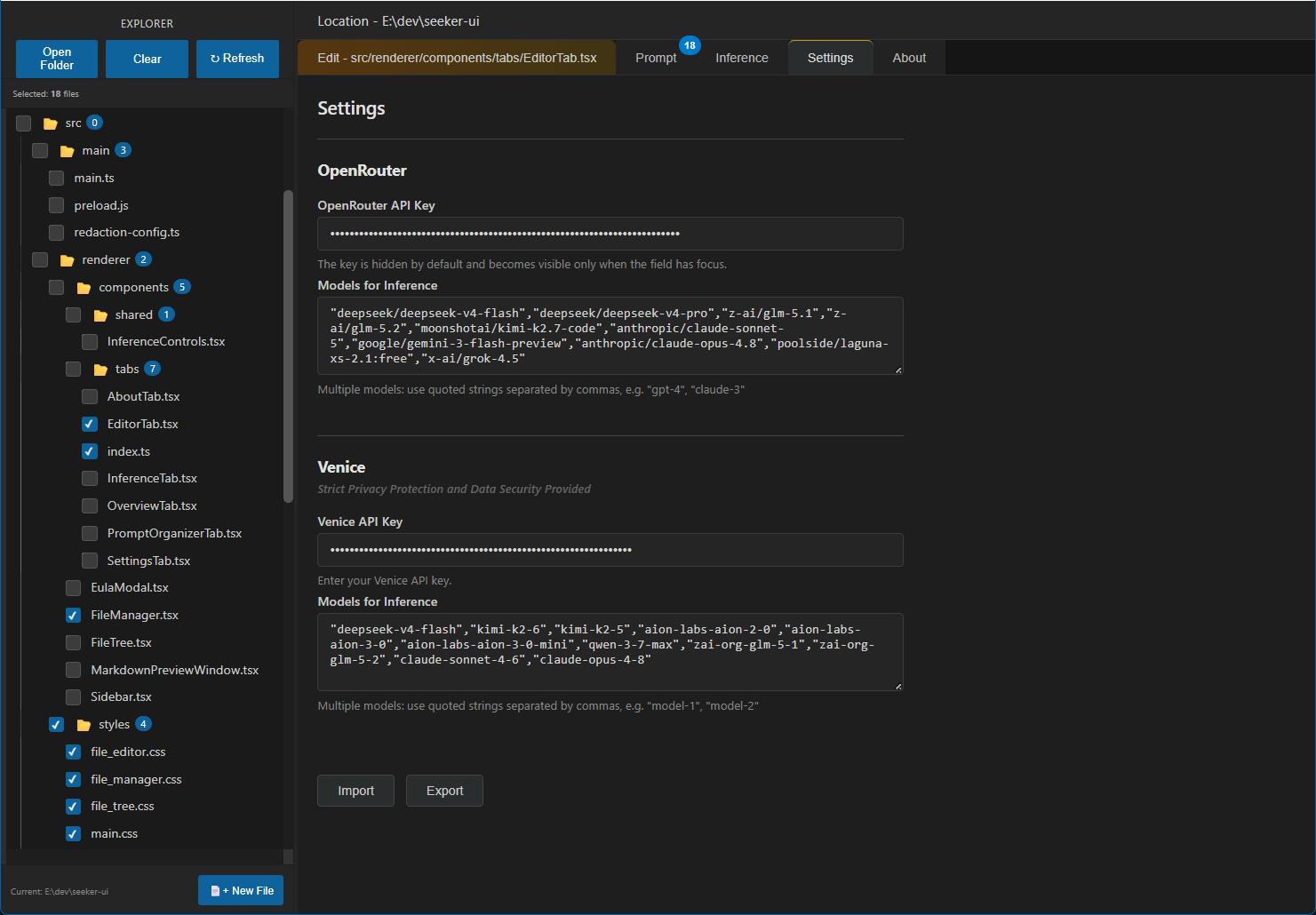
One-Click Inference
Choose OpenRouter or Venice, select a model, set temperature and max tokens,
and hit Run. No hand-crafted curl commands, no manual JSON formatting.
✅
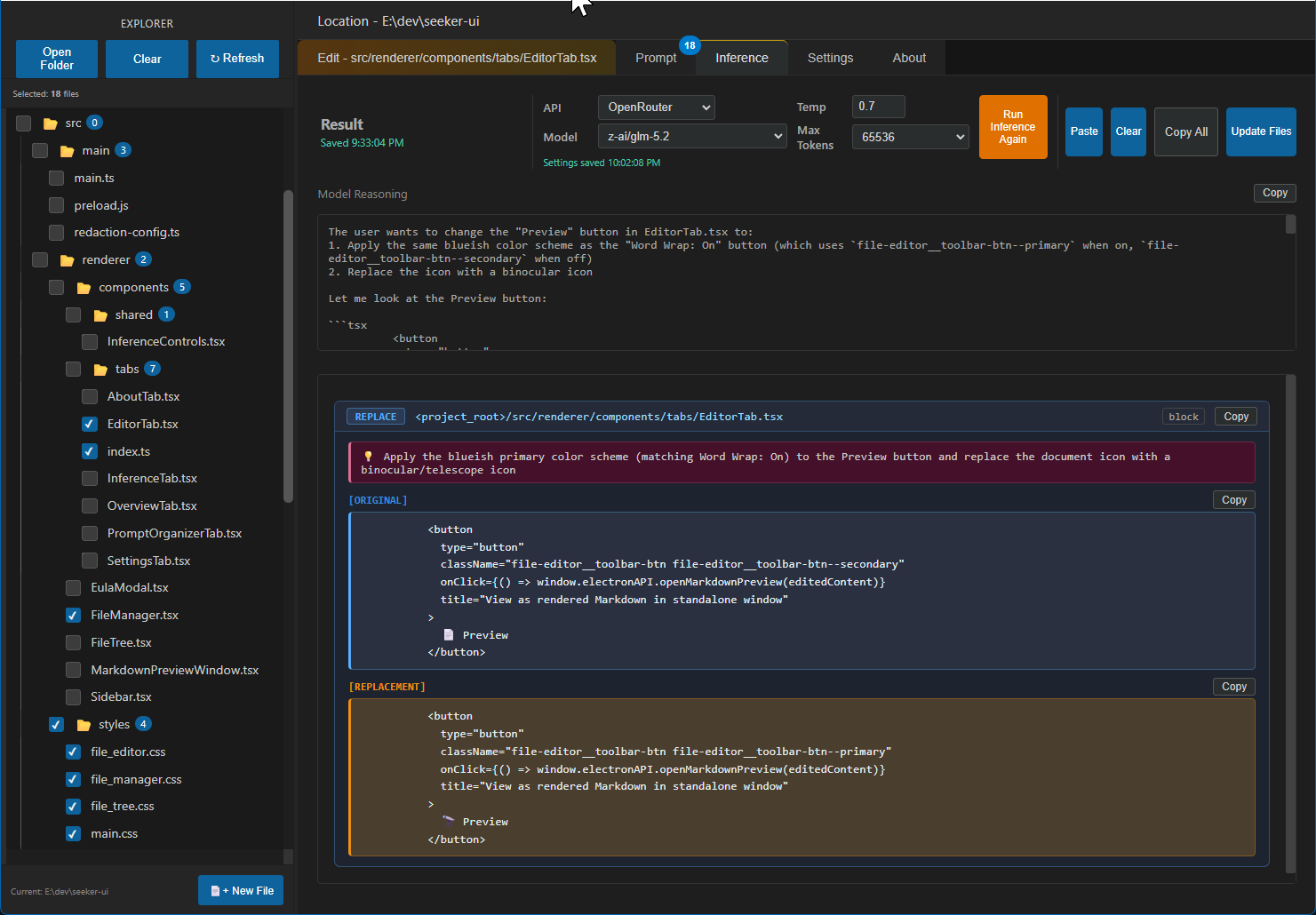
Inline Block-Based Updates
Proposed edits render as blocks with side-by-side original-vs-replacement
previews and a copy button for every snippet. Apply reviewed changes with Update Files and
check the file update summary — you remain in control of every change.
📋
Clipboard Workflow
Copy your assembled prompt to any AI service and paste the response back in.
Works with every provider, not just one.
🔒
Data Redaction
Built-in secret masking and custom substring redaction prevents sensitive
strings from slipping into your prompts.